
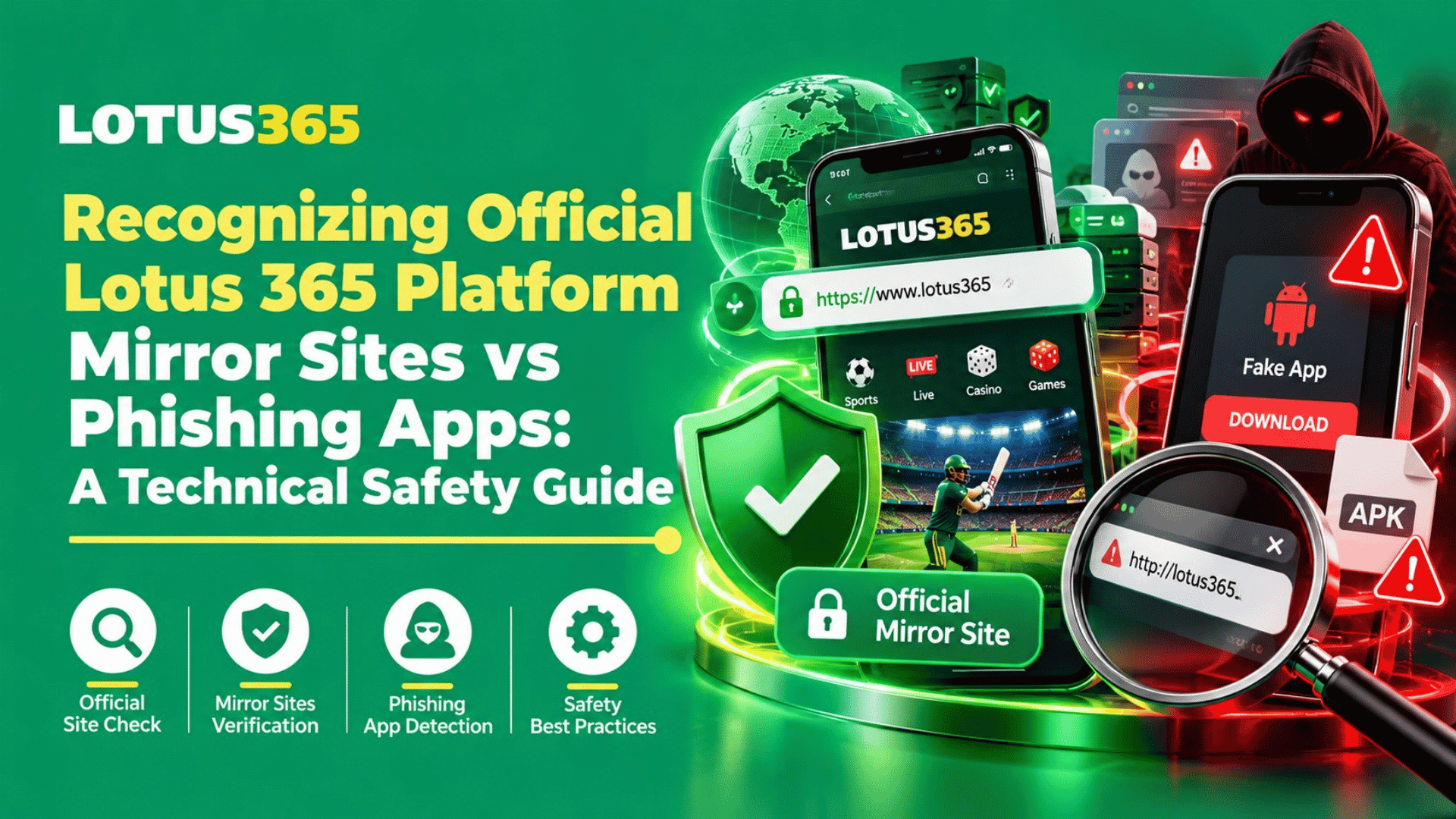
A known logo and a simple login page can make a website or app seem real.. A fake page can be created to take your passwords, one-time codes or payment information.
To know the difference between mirror sites and phishing apps, a mirror site is a copy of a service, or another web address for it. Some mirror sites are real, and some are traps. A phishing app is an app that looks genuine but tries to take your information or get control of your phone. A trusted name does not prove a page is safe. A padlock sign in the address bar does not prove it either.
This guide gives simple checks on Mirror Sites vs Phishing Apps you can do before you click a link, enter your account details, or download an app
Mirror Sites vs Phishing Apps: What Is the Difference?
The comparison between Mirror Sites vs Phishing Apps is as follows:
What is a mirror site?
A Lotus 365 mirror sites uses another web address to show content or services similar to a main site. Sometimes a service operator may use an alternate address. But scammers can also copy a brand’s colours, wording, and sign-in screen on a lookalike address. So, seeing “Lotus365” in the name does not prove that the page is approved by the business.
Only trust an alternate address if you can confirm it through a contact method you already know is genuine. Do not treat a link sent by an unknown WhatsApp number, social media account, or message as proof.
What is a phishing app?
A phishing app appears to be an application that you believe is reputable. It might require a password, phone number, payment details and/or OTP. This is to remind the public in India not to install the APK files received via messaging or from any random website, CERT-In said. In addition, it advises you to review the App details and permissions, ensure your phone software is kept up to date, and avoid unknown links.
How to Check a Lotus 365 Link Safely
Before opening a login page, look at the full web address to find the difference between a Mirror Sites vs Phishing Apps . Scammers often use small spelling changes, extra words, added hyphens, or unusual endings to make a fake link look familiar. On a phone, tap the address bar so the full name is visible.
A page can look polished and still be unsafe. The page about lotus cricket 365 describes itself as official and makes claims about security, licensing, payments, and support. Those are claims made by the page itself; the words alone do not independently prove them. Check the terms, privacy details, company information, and support contacts carefully, and seek independent confirmation where possible.
Website security checks before login
Use this website security checks before entering account details:
- Check every part of the domain name, not just the logo or page title.
- Type an address you have already checked instead of opening a link from a message.
- Be careful of urgent messages, “guaranteed wins,” or pressure to deposit at once.
- Never share your password, OTP, UPI PIN, or card PIN with a support agent.
- Stop if the page sends you to a different address during login or payment.
The padlock or “https” label means the connection is encrypted; it does not prove that the site owner is genuine. CERT-In advises checking the address carefully and warns people not to follow untrusted links or provide sensitive information on an unverified page.
A note about “official” claims
A webpage calling itself the official Lotus 365 site is not, by itself, independent proof of ownership, approval, or legal status. Compare the address with information from a trusted source, and do not rely only on testimonials, bonus banners, or claims of fast withdrawals. If you cannot confirm who operates the site, do not send money or personal documents. When reviewing a Lotus365 original site use the same checks. Brand wording does not replace independent verification.
Phishing App Warning Signs on Android
The phrase phishing app warning signs is useful to remember when an app arrives as an APK file rather than through a trusted app store. A request to turn on “Install unknown apps” is a reason to stop and check first, not a step to follow automatically.
Be especially careful if fake betting apps app:
- Arrives by WhatsApp, SMS, Telegram, or a random download page.
- Has a name or icon that copies a known service but has no clear publisher details.
- Shows a login screen that asks for your password or OTP unexpectedly.
- Tells you to disable phone protections or install another “update” file.
Be Careful About Legal and Payment Claims
Security and legality are separate questions. A website’s claim that a service is licensed or legal is not a legal decision. India’s Promotion and Regulation of Online Gaming Act, 2025 addresses online money games and related services. MeitY publishes the Act and related rules and notifications, so check current official information and seek suitable legal advice before using any real-money gaming service. Do not rely on a website’s broad statement about state laws as proof that a service is lawful for you. Also read payment and withdrawal terms before sharing financial details..
What to Do if You Think the Website is a Scam
Get in touch with your bank or payment agency right once if you input payment information or lost money. Save screenshots, messages, the website address, payment receipts, and transaction IDs. In India, the National Cyber Crime Reporting Portal says people can call 1930 to report online financial fraud; the portal also lets people report suspicious website links and other identifiers. Read this guide to get a clear understanding about Mirror Sites vs Phishing Apps and enjoy your game safely!
Conclusion
When checking Mirror Sites vs Phishing Apps, slow down and check the address, app source, requested permissions, and claims before you act. A familiar logo, HTTPS label, or friendly support message is not enough to prove a service is genuine. If you cannot verify a page independently, do not sign in, install its file, or send money. Keep evidence if something goes wrong, contact your bank quickly after a payment issue, and report suspected cyber fraud through the official Indian channels.
FAQs
1. Can a mirror site be genuine?
It can be, but confirm the address through a trusted channel before signing in.
2. Does HTTPS prove a website is official?
No; it protects the connection but does not confirm who runs the site.
3. Should I install an APK sent on WhatsApp?
No; avoid APK files from messages or unverified websites.
4. Should I share an OTP with support?
No; keep OTPs, passwords, and payment PINs private.
5. What if I entered my password on a suspicious page?
Change it from a safe device and update it anywhere else you reused it.
6. What if money was taken from my account?
Contact your bank or payment provider and report it promptly through India’s cybercrime helpline or portal.
7. Can a website’s licensing claim confirm it is legal?
No; check current official rules and get suitable legal advice whether it is a Mirror Sites vs Phishing Apps.